Driver First
Built from the driver’s seat, with the small details that only show up when you do the work.
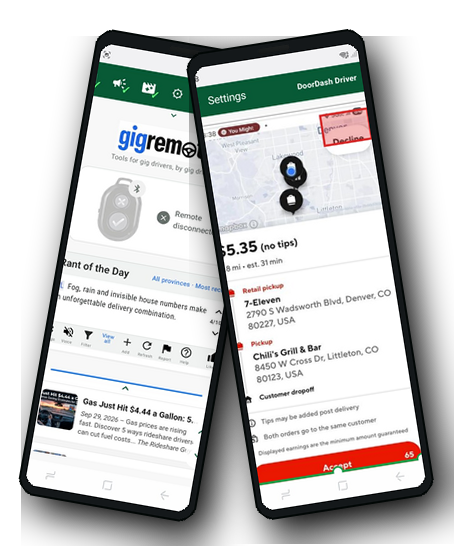
Delivery apps demand attention at exactly the wrong time. Gig Remote is designed to reduce screen hunting, shorten reaction time, and make the driving workflow calmer.
Map a small Bluetooth remote to common app actions, with separate profiles for different delivery apps.
Built around the reality of fast offer timers, moving buttons, and decisions that need to happen quickly.
News, field notes, warnings, and quick driver updates in one practical space.
Optional sound feedback helps confirm actions without constantly checking the screen.
Keep useful screen evidence and review recent app moments when something needs checking.
A straightforward activation flow built for drivers, not for technical support departments.
Set it up while parked. Map the buttons. Test the actions. Then use Gig Remote as a calmer way to handle common delivery app moments.
Use a small Bluetooth remote with your Android phone and open Gig Remote.
Create profiles for the apps you use and place the accept or decline action where it belongs.
The goal is simple: fewer rushed screen taps, less hesitation, and more attention where it belongs.
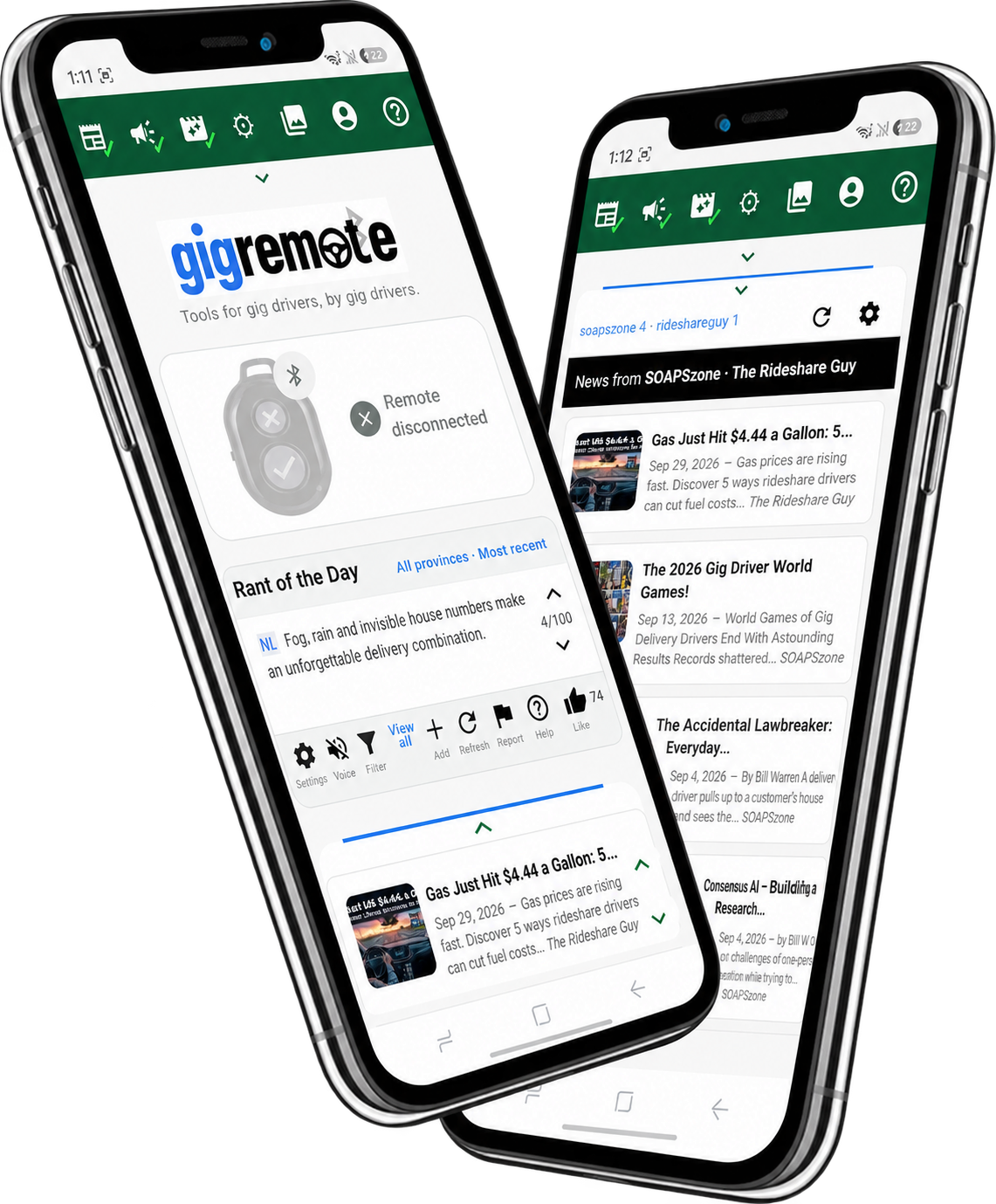
Gig Remote was not designed from a clean office fantasy of delivery driving. It was built from the actual mess: quick timers, awkward buttons, app switching, bad support, and the need to stay focused.
Built from the driver’s seat, with the small details that only show up when you do the work.
Reduce the need to search for tiny controls when seconds matter.
Use it responsibly, legally, and while parked for setup. The point is to reduce distraction, not add to it.
Gig Remote is also becoming a driver support tool: news, settings, field notes, screenshots, and features shaped by real delivery work.
Delivery work is full of small design failures that turn into stress, delays, distraction, and lost income.
Gig Remote brings the useful controls closer to the driver.
Remote Button Mappings help adapt the app to your phone and delivery apps.
Screenshot History helps keep track of things worth reviewing later.
Driver-To-Driver tools help surface warnings, updates, and practical knowledge from the road.
The core idea is simple: make the work easier without pretending the work is easy.
Learn More
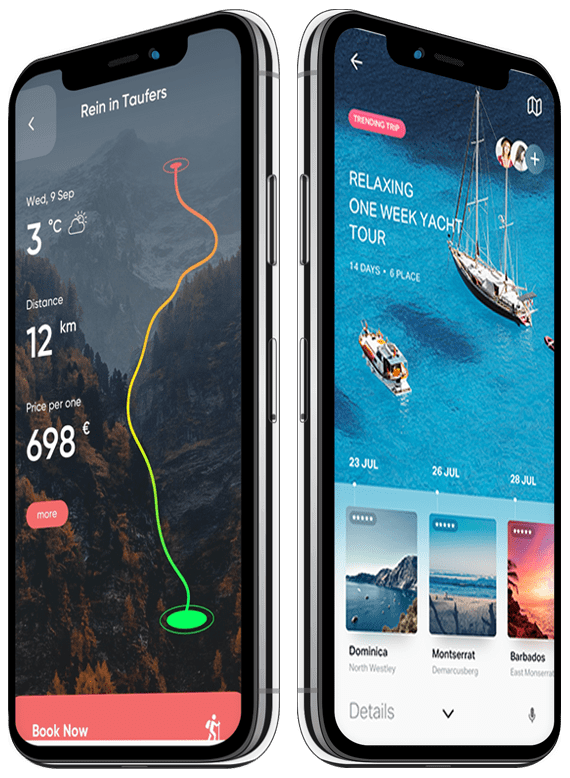
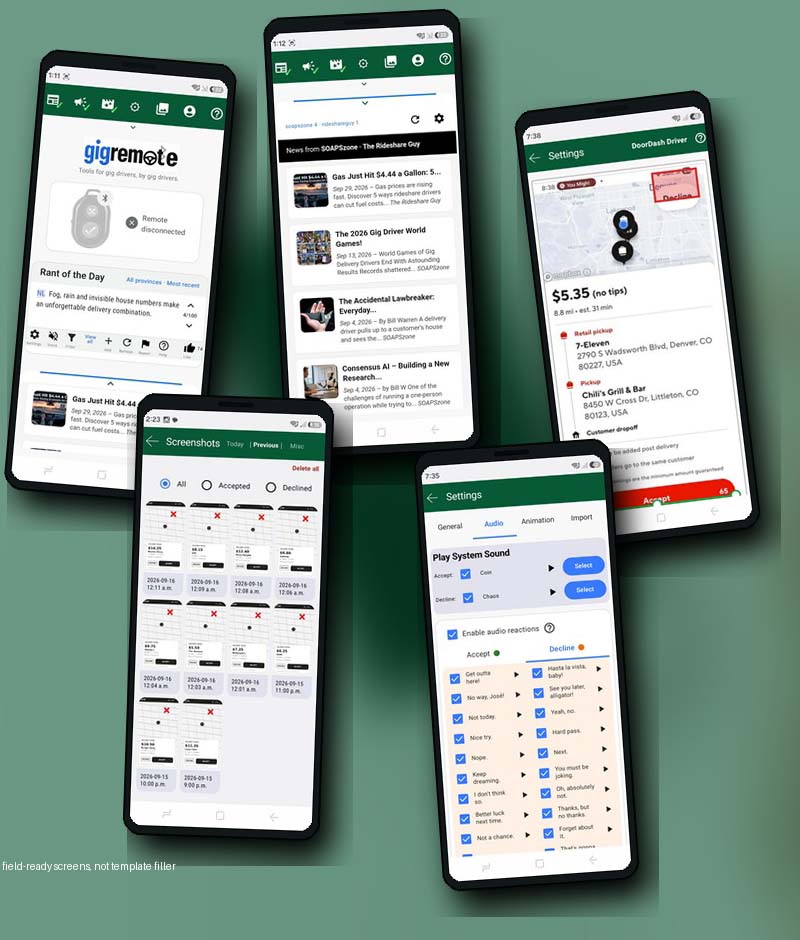
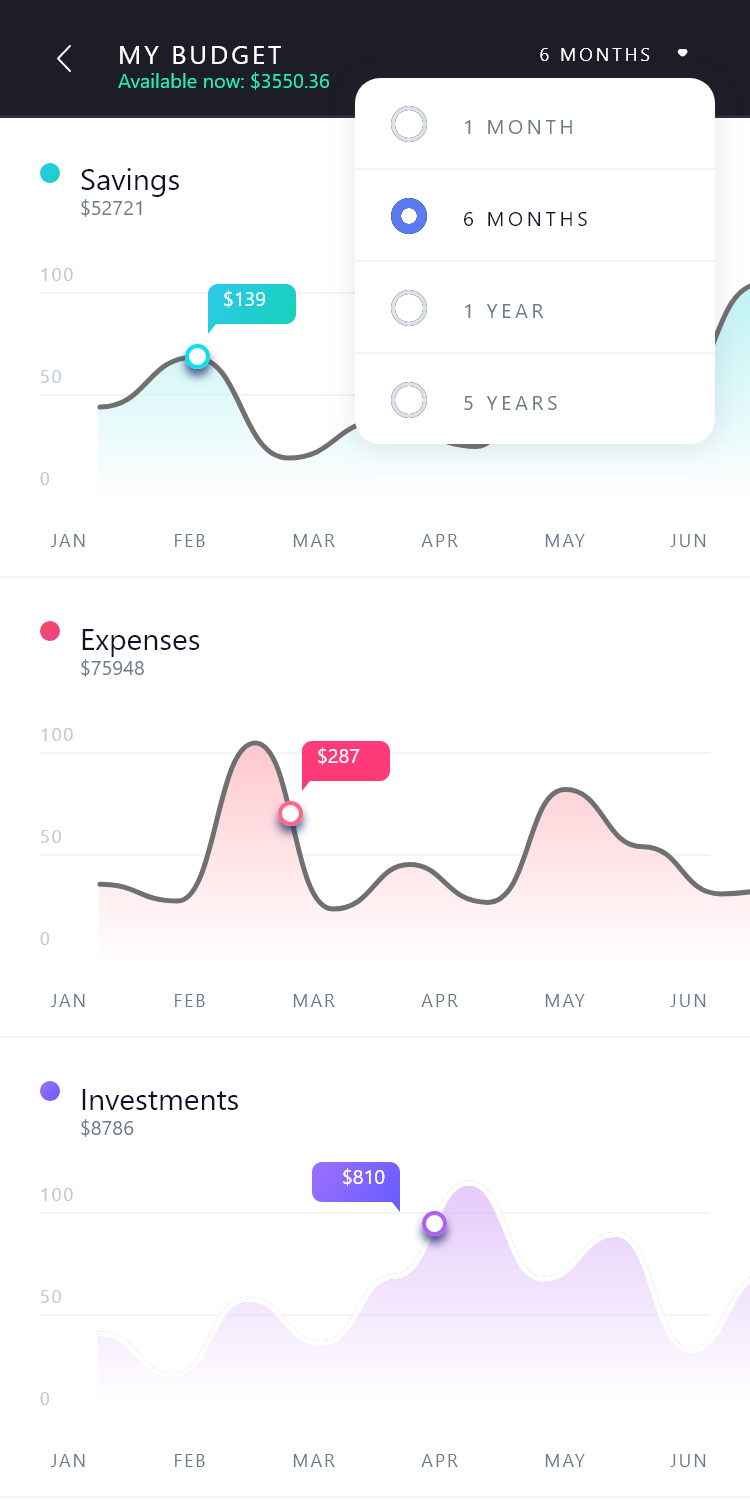
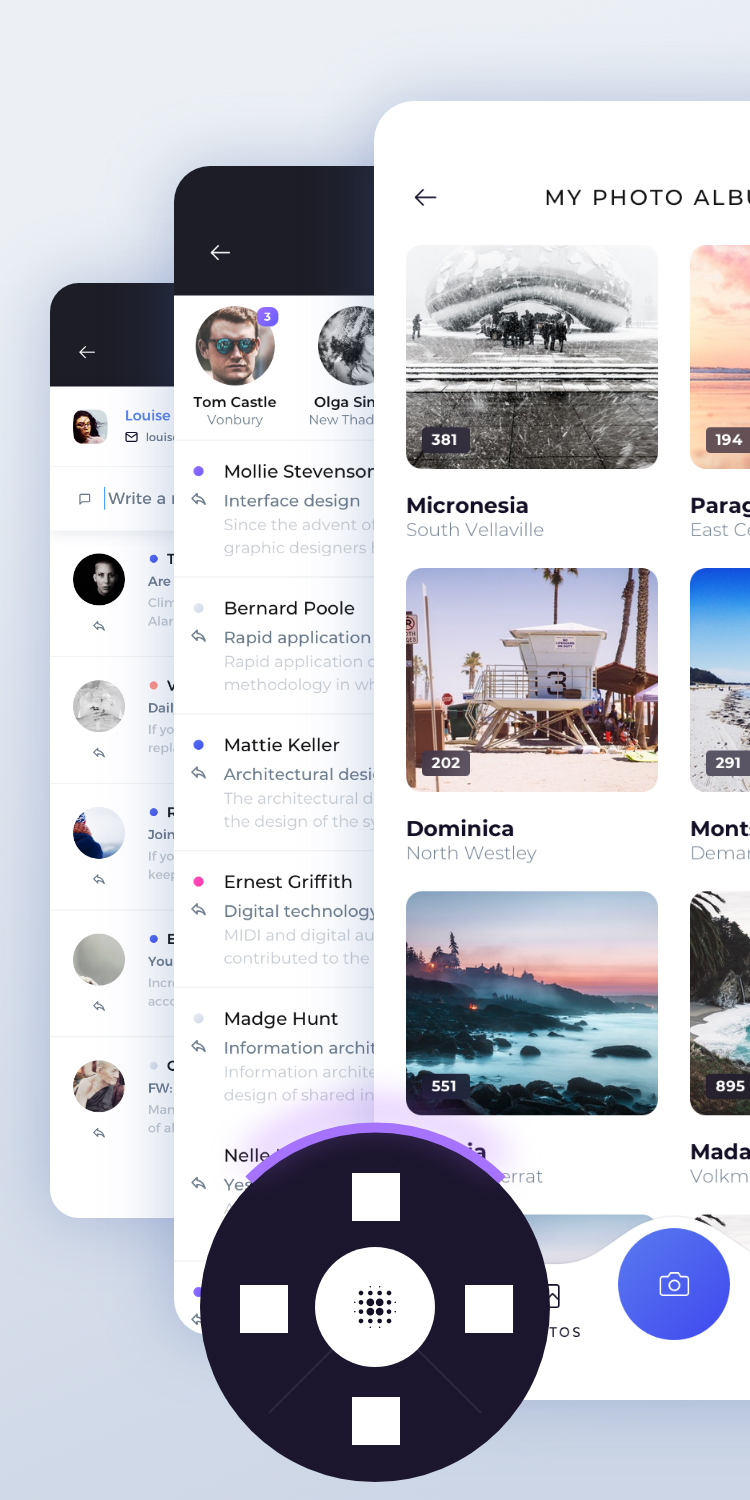
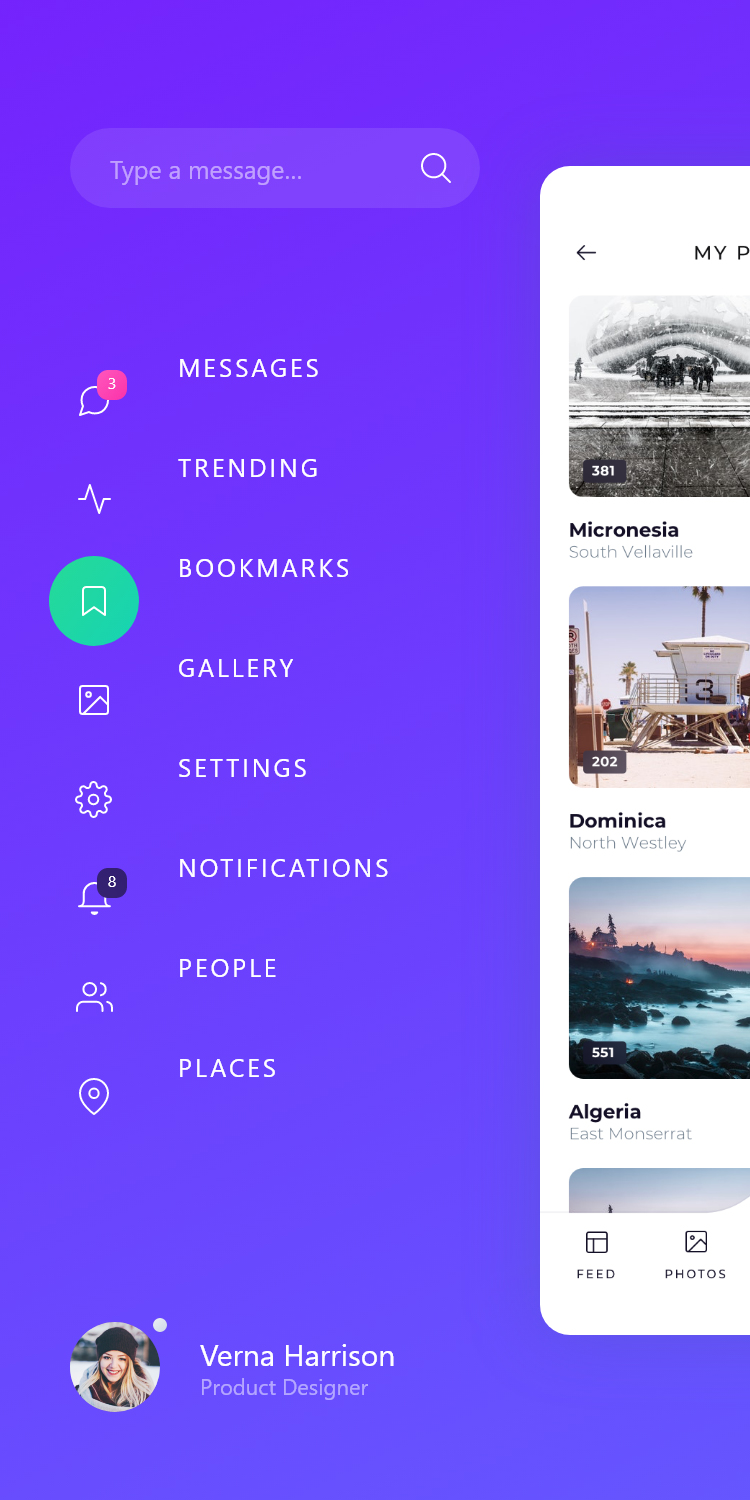
Real screens from Gig Remote: button mappings, driver news, screenshot history, audio reactions, and setup tools.

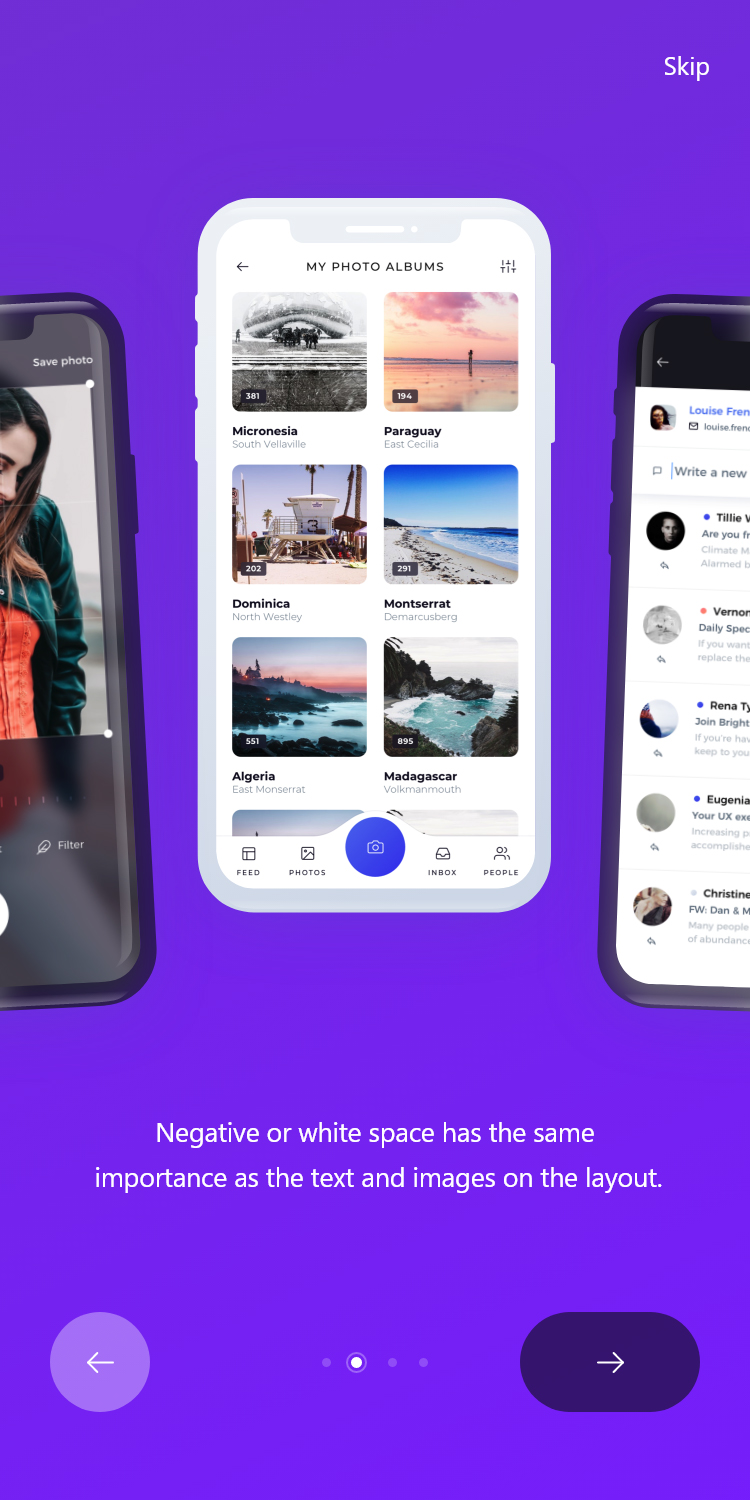
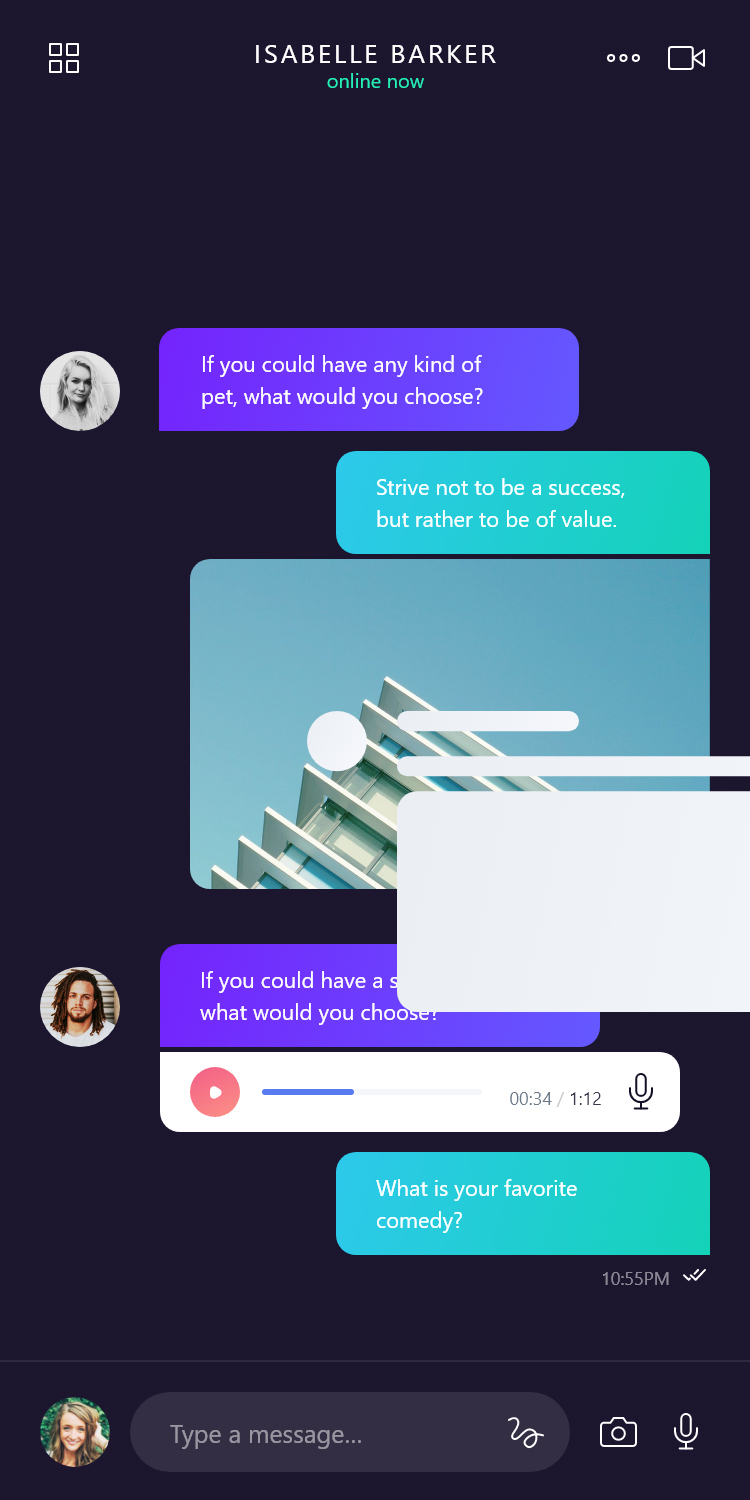
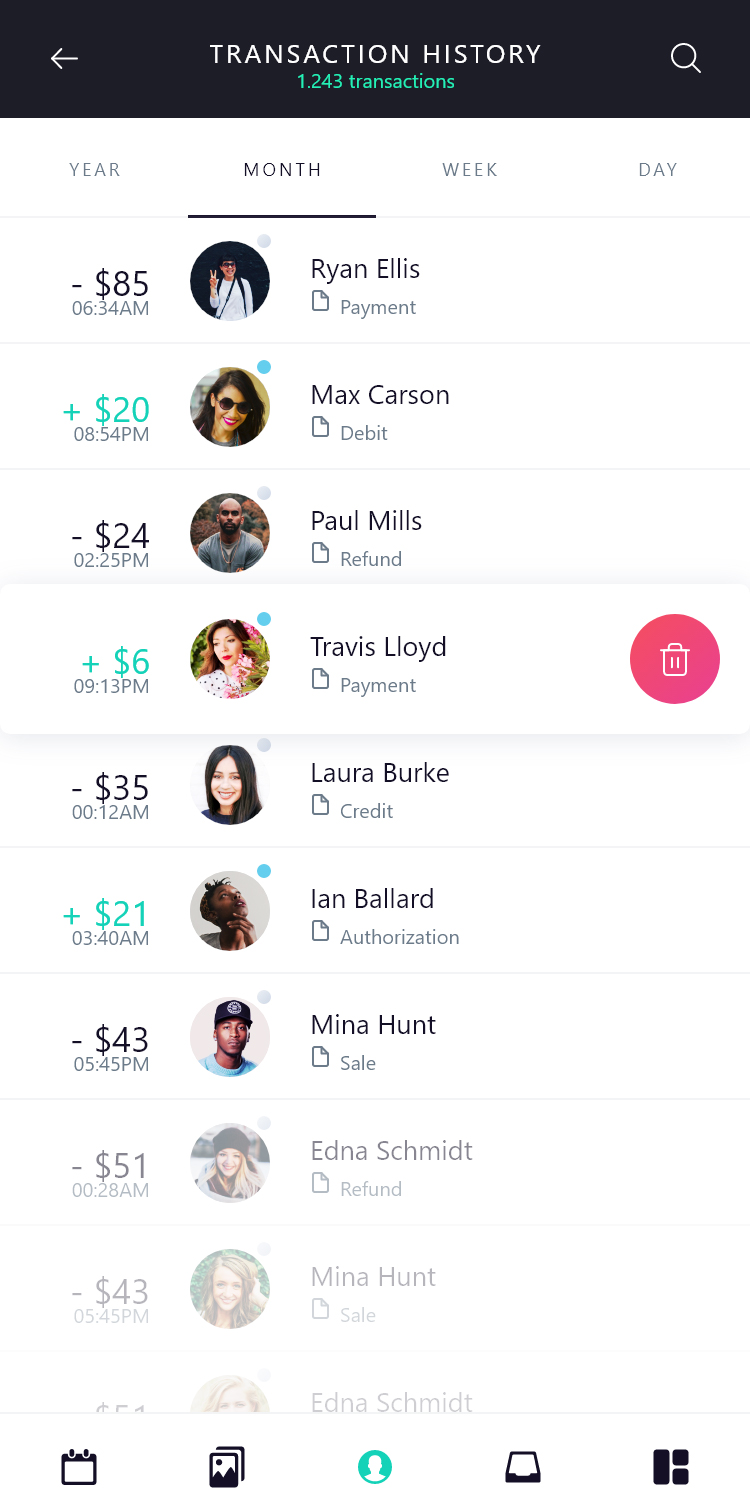
A few practical answers before you try Gig Remote.
Gig Remote is an Android app that helps delivery drivers use a small Bluetooth remote for selected app actions and driver tools.
Gig Remote is being designed around real DoorDash and Uber Eats workflows, including separate button mapping profiles.
No. Setup should be done while parked, and drivers must use the app legally and responsibly. The purpose is to reduce distraction and fumbling, not create more of it.
Gig Remote is designed around a small Bluetooth remote. Hardware packages and recommendations may vary as testing continues.
Gig Remote is in active testing and development. Early users may see changes as the app improves.
Still have a question? Get in touch below.
Start with the app and remote setup. Ongoing support and update options will be kept practical for working drivers.
Gig Remote Android app
Activation code
Core remote features
Basic setup help
Works beyond first year
App access
Bluetooth remote
Mounting options
Setup guidance
Driver-focused support
Feature updates
Driver news tools
Optional extras
Support resources
Future add-ons
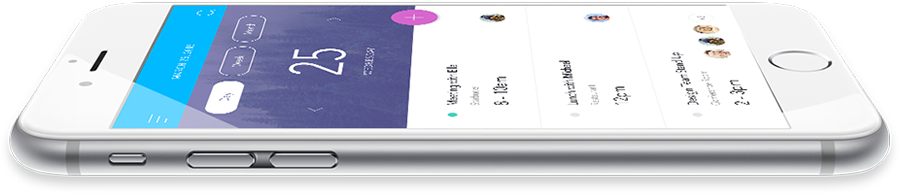
Want early access, setup help, or hardware information? Send a message and we will follow up.
Yarmouth, Nova Scotia
Canada
DoorDash
Uber Eats
Local delivery work
Use the contact form below
Early access available soon